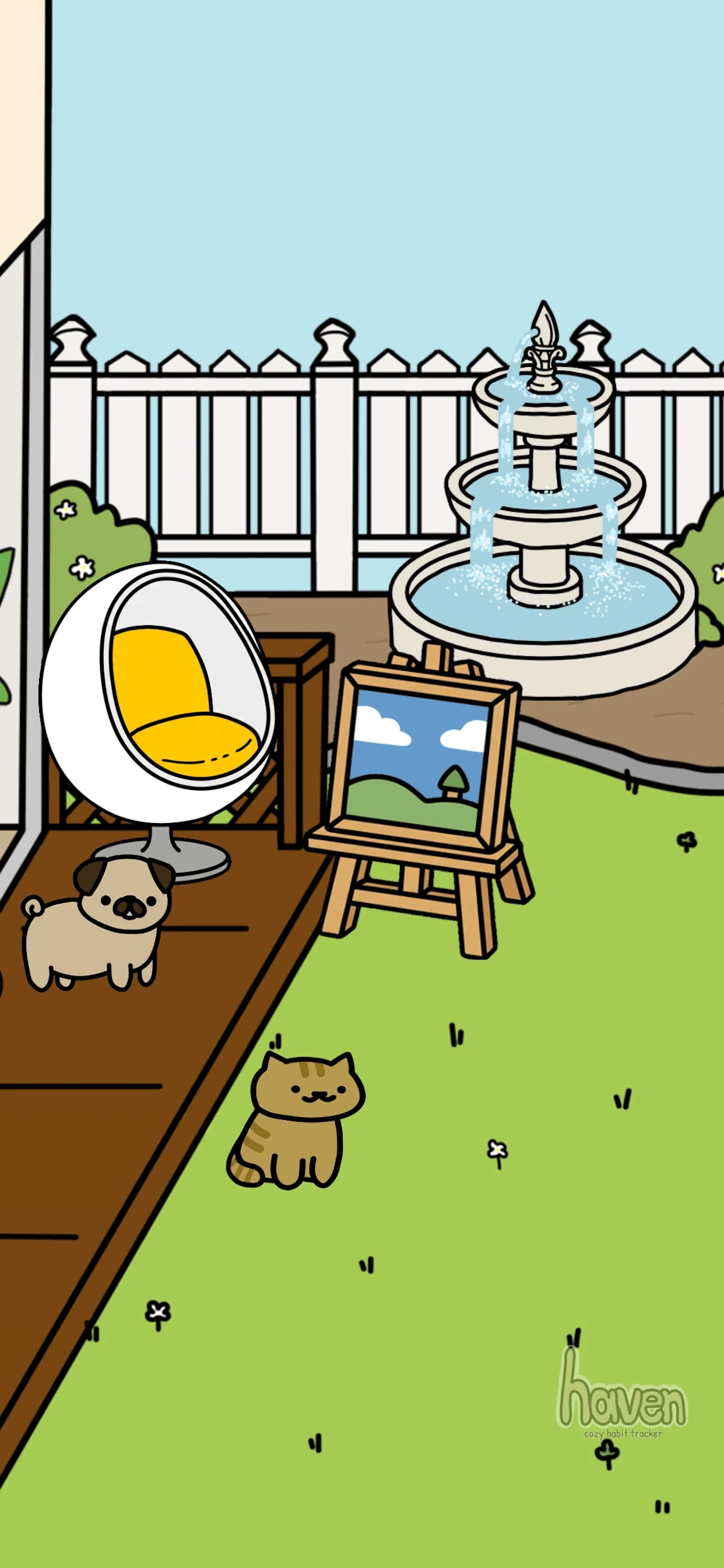
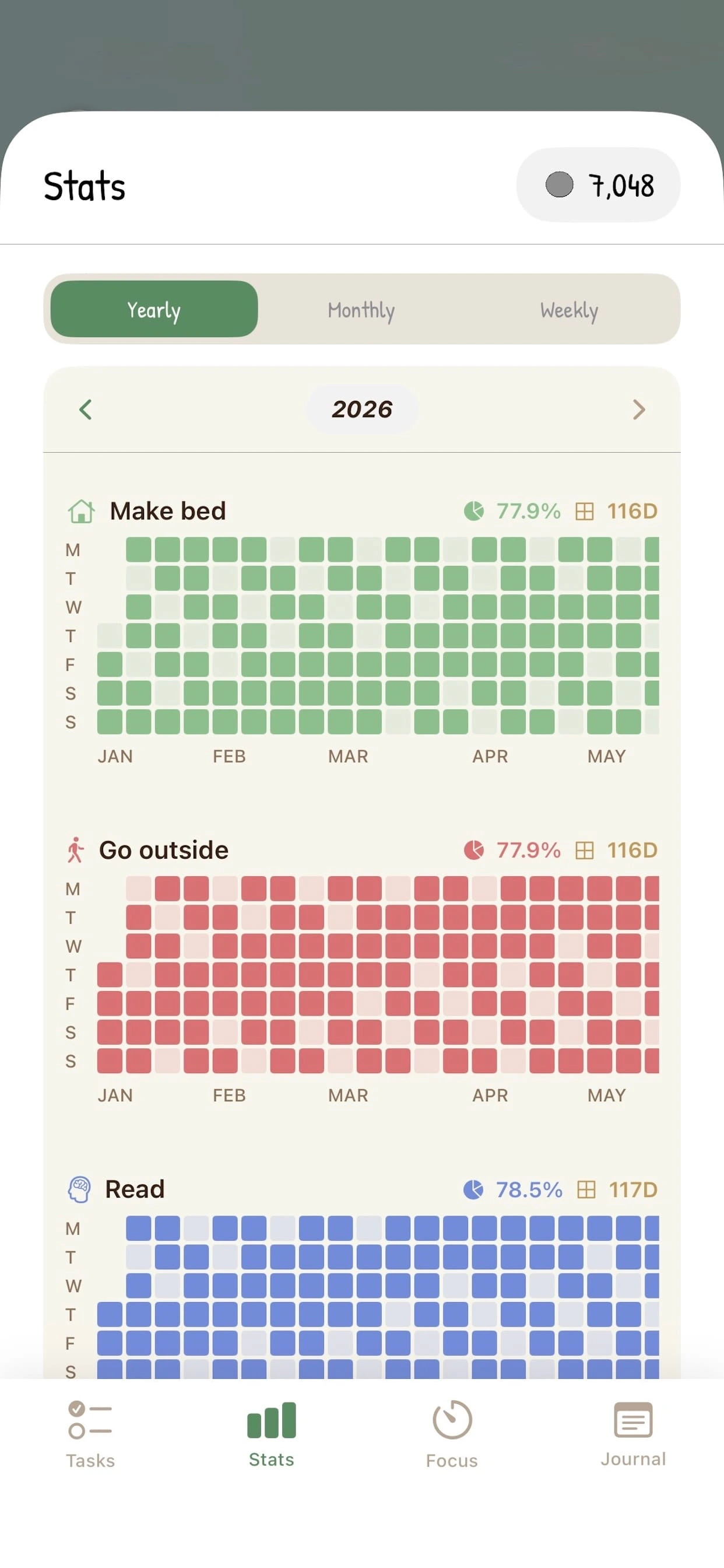
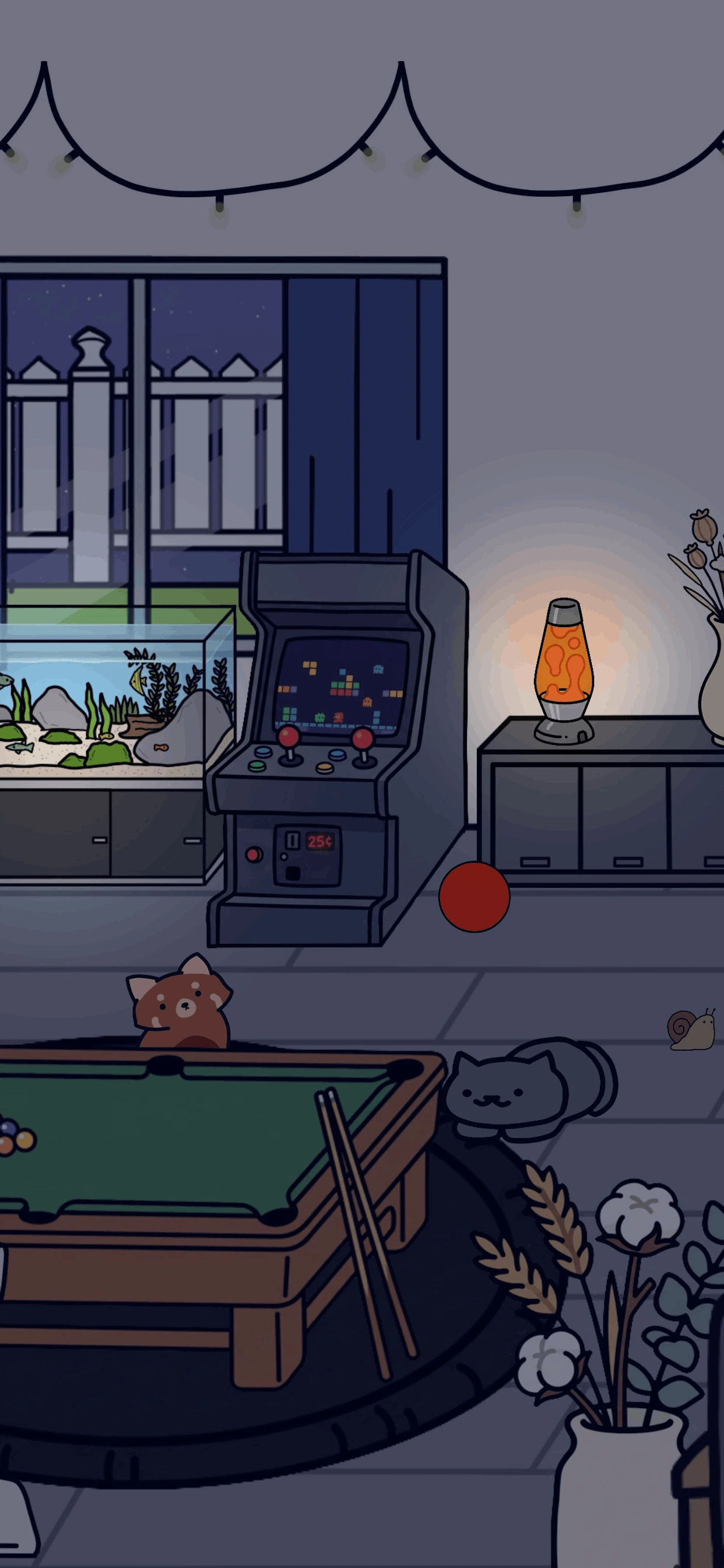
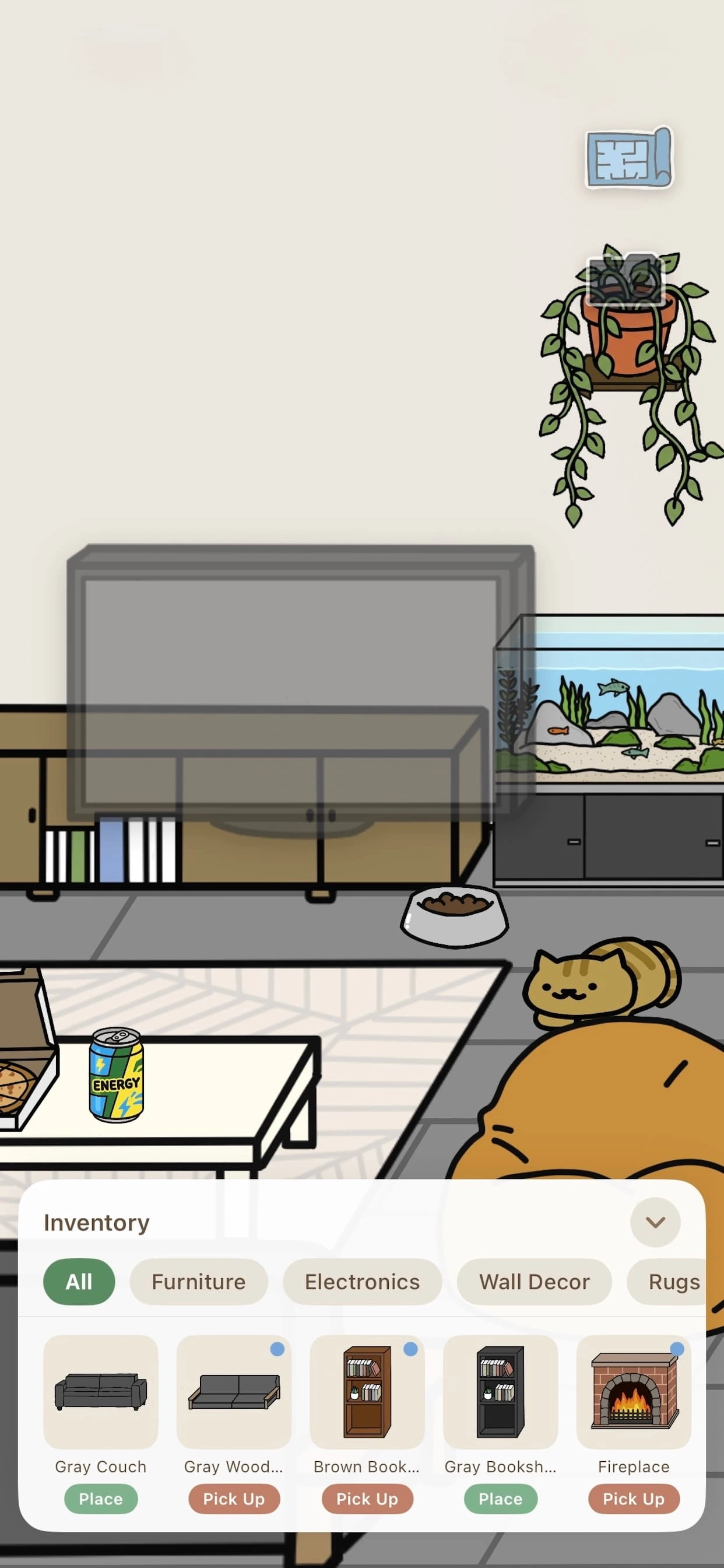
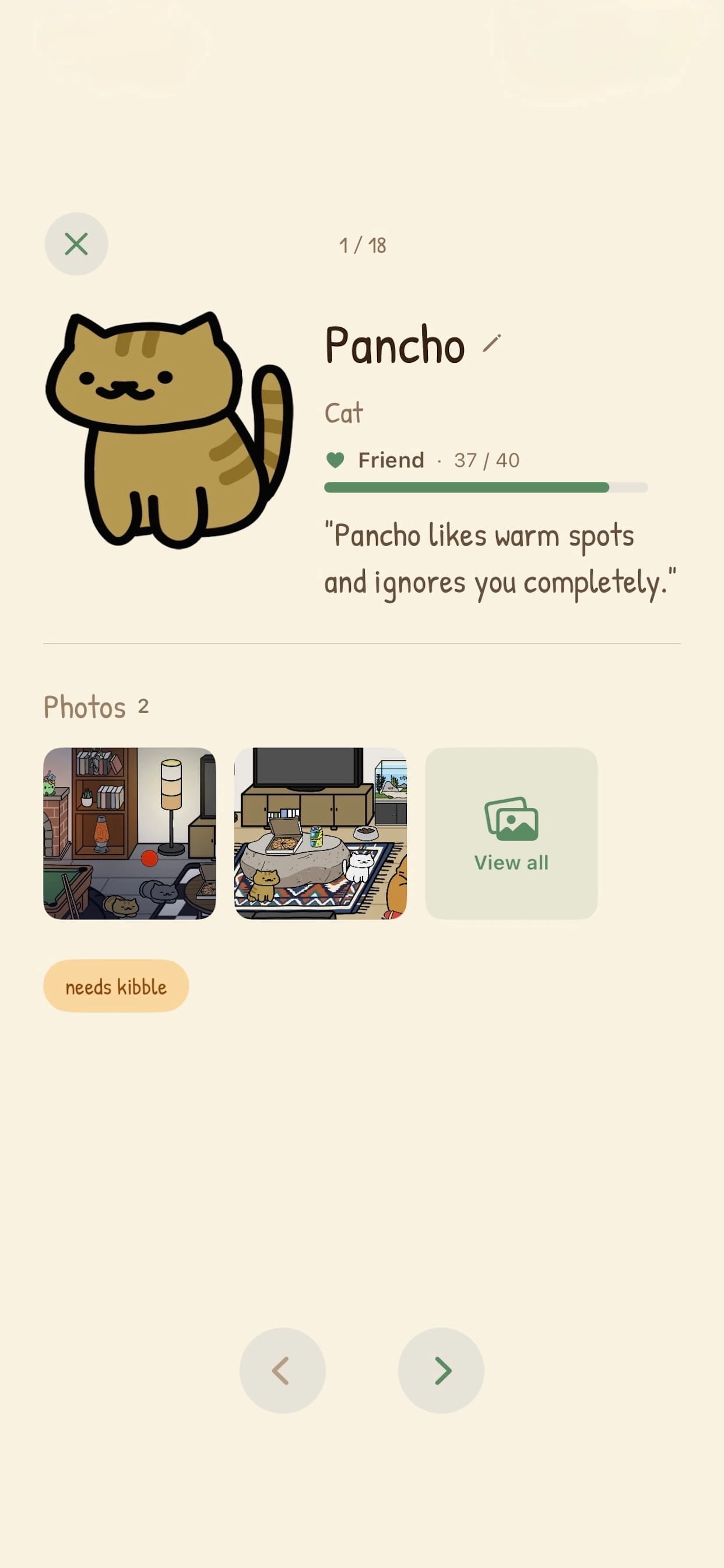
A habit tracker that helps you build gentle routines. Decorate your cottage, snap memories, and check your stats.

A habit tracker that helps you build gentle routines. Decorate your cottage, snap memories, and check your stats.
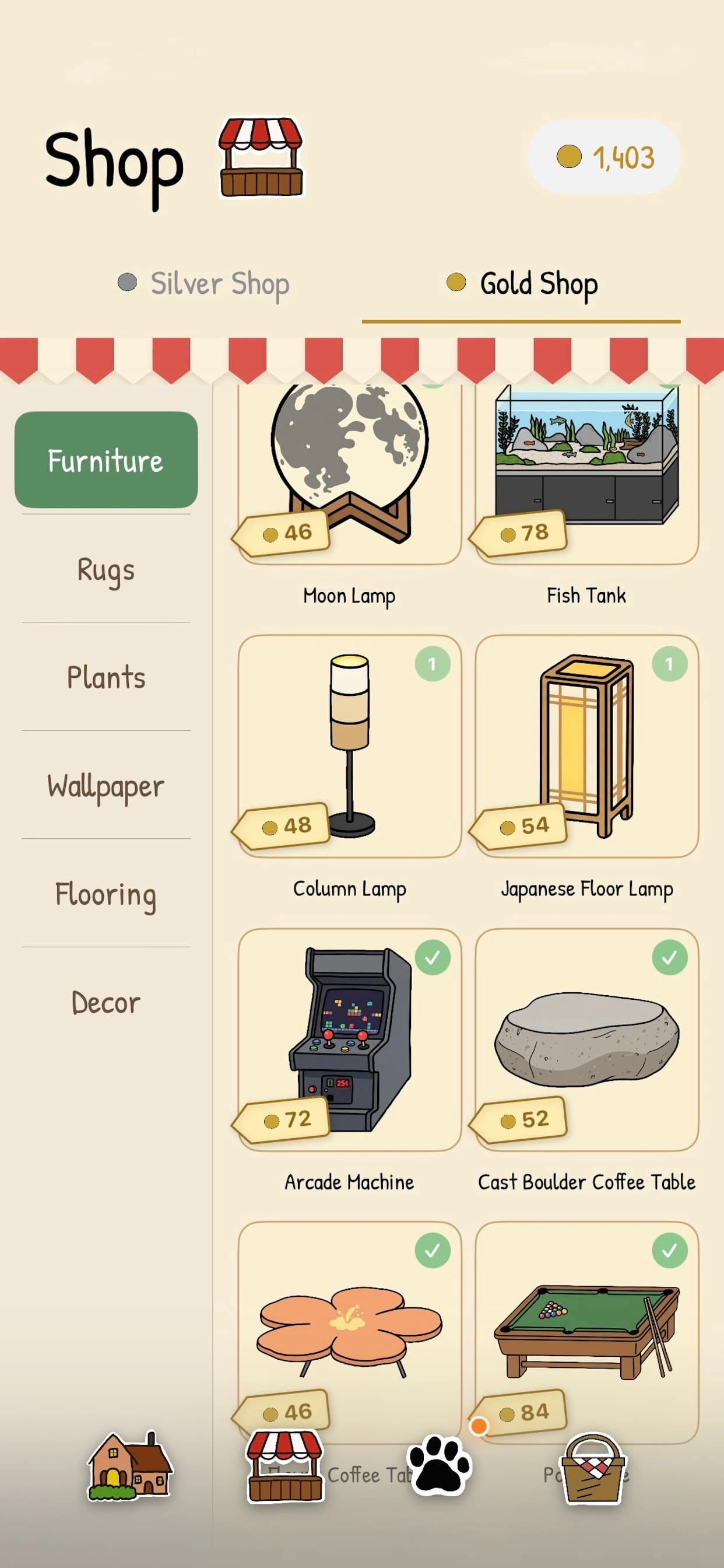
Open Haven and go to Settings → Restore Purchases. If you've reinstalled the app, just tap the item you previously purchased and it will restore for free.
Subscriptions are managed by Apple. Go to iOS Settings → [your Apple ID] → Subscriptions, tap Haven, and choose Cancel.
In the app, go to Settings → Erase All Progress. This permanently clears your habits, stats, and journal entries on this device.
To move your Haven data, sign into the same iCloud account on both devices. On your old device, open Settings → iCloud Backup and tap Back Up Now. On your new device, install Haven, open Settings → iCloud Backup, and choose Restore from iCloud. Restoring replaces the Haven data currently stored on the new device.
All purchases are handled by Apple, so refunds go through Apple too. Visit reportaproblem.apple.com to request one.
Last updated: September 13, 2026
Haven is developed by Saul Plascencia. Your privacy matters to us, and Haven is built to be private by design. Most Haven data stays on your device. Haven uses Apple CloudKit only for the optional Cottage Sharing and iCloud Backup features described below.
Most of the information you create in Haven stays on your device. Haven does not operate its own server, and we do not use your data for advertising, marketing, analytics, or tracking. Data is sent to Apple CloudKit only if you choose to use Cottage Sharing or iCloud Backup.
Cottage Sharing is optional. Haven uploads a snapshot to CloudKit's public database only when you choose Share My Cottage. The public snapshot contains:
Anyone with your share code can retrieve the snapshot in Haven, including someone who is not signed into iCloud. Sharing does not upload your habit names, journal entries, photos, pet nicknames, bond progress, coins, purchase status, or visit history.
Your public snapshot remains available until you replace it by sharing again or select Stop Sharing. Stop Sharing deletes the public CloudKit record and makes the share code stop working.
If you enable iCloud Backup, Haven stores a copy of your Haven save data and profile image in your private CloudKit database. This lets you restore your progress on another device signed into the same iCloud account. Private backup data is not published or made available to other Haven users.
You can disable future backup uploads or delete your existing iCloud backup in Haven's settings. Disabling iCloud Backup does not automatically delete a backup that already exists; select Delete Backup to remove it.
Apple provides CloudKit and processes CloudKit data under Apple's applicable terms and privacy policy. Haven also uses the following services to support purchases:
We do not use these services for advertising or cross-app tracking.
Purchases and subscriptions are processed by Apple. Haven does not receive your payment-card information. Billing, refunds, and subscription management are handled through your Apple account.
If you enable reminders, notifications are scheduled locally on your device only.
Photos are not included in public cottage snapshots. If you enable iCloud Backup, your profile image is included in the private backup stored in your CloudKit database. Other photos you add to Haven remain on your device.
Public cottage data remains in CloudKit until you publish a replacement snapshot or select Stop Sharing. You can revoke cottage-sharing consent at any time by selecting Stop Sharing.
Your private backup remains until you delete it through Haven's settings or manage it through your iCloud account. Disable iCloud Backup to stop future uploads, and select Delete Backup to delete the stored backup.
Haven is intended for a general audience and is not directed at children under 13. We do not knowingly collect personal information from children. The same limited, optional CloudKit features described in this policy apply to all users.
If we update this policy, we'll revise the "Last updated" date above.
For any privacy questions, email us at havencozyhabittracker@gmail.com.
Questions, feedback, or just want to say hi?
havencozyhabittracker@gmail.com